
Loyalty And Membership Built Into Your POS.
Customers Come Back On Their Own.
Cashback, points and membership tiers that run at checkout, with automatic SMS reminders. No punch cards, no separate app.
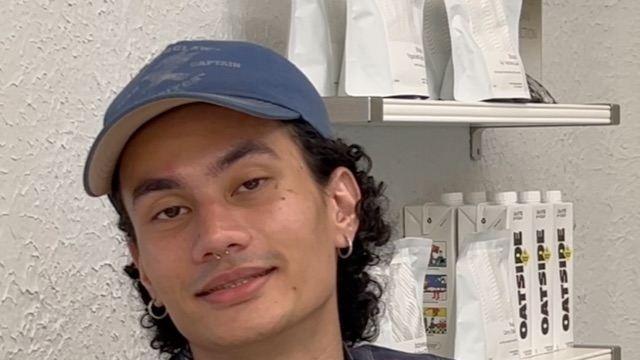
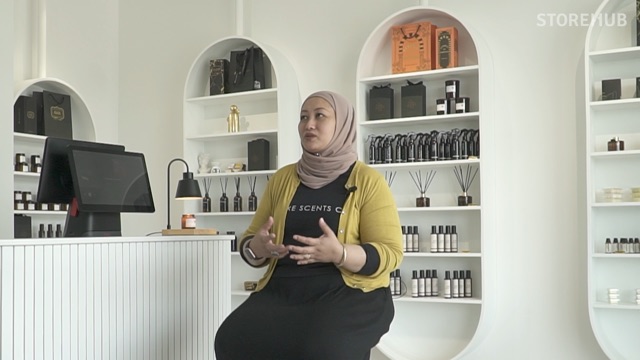
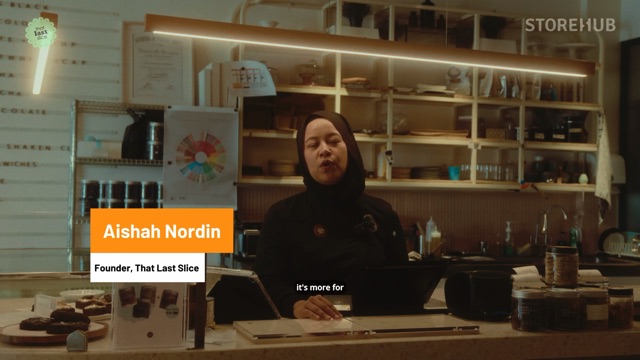 Join Flint Café & Roastery, 5Luxe Scents and That Last Slice on StoreHub







How it works
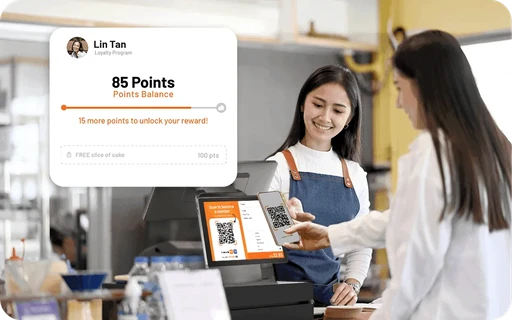
Reward the sale at the counter. The reminder sends itself.
A standalone loyalty app never sees the sale. This one is in your POS, so every purchase earns, and every reminder is about a real balance.
Pays as usual
Their number is on the sale already, from a QR order, a delivery order, or a quick tap at the counter. Cashback or points are credited on the spot.
Sends the reminder for you
StoreHub Engage texts customers about their balance, a birthday voucher, or a win-back offer when they have not visited in a while. Set once, sent on its own.
Comes back and redeems at checkout
Phone number at the counter, balance applied to the bill. The sale and the reward are one record, so your reports show what loyalty actually brought in.
Cashback, points, membership tiers and SMS
Cashback and points
Every ringgit spent earns something back.
Pick the mechanic your customers understand, and set the rate you can afford.
- Cashback: a percentage of each sale as store credit, with an expiry you set
- Points: RM1 = X points, redeemed for freebies and discounts
- Vouchers for new members, birthdays and campaigns
- Balances checked by the customer 24/7 from the SMS link
Membership tiers
Regulars get more, and can see it.
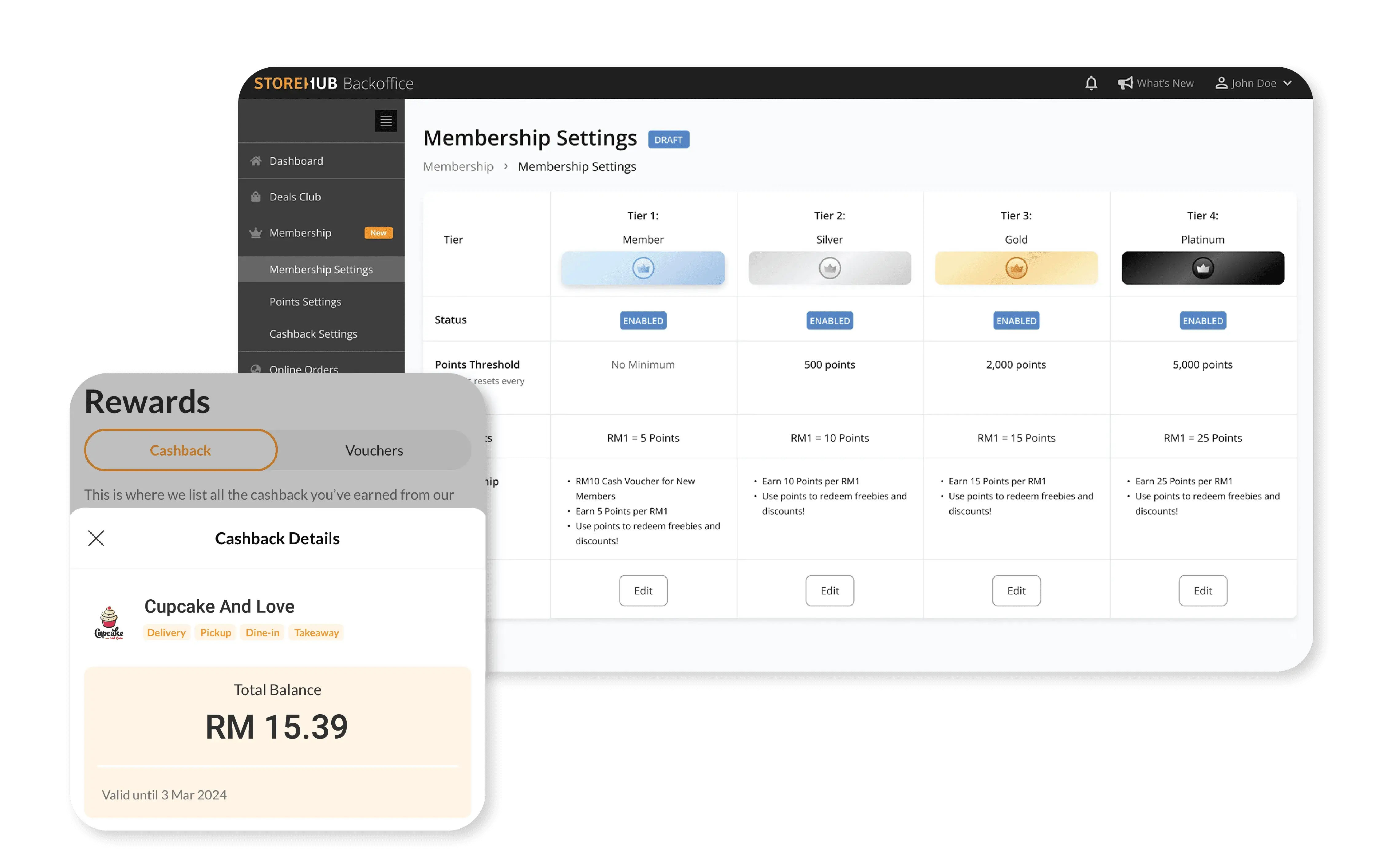
Member, Silver, Gold, Platinum. Each tier earns at its own rate and unlocks its own perks.
- Tiers by points threshold, moved up automatically
- Different earn rates per tier, for example 5, 10, 15 and 25 points per RM1
- Tier perks and vouchers set per tier in BackOffice
- Same programme across every outlet, or rewards customised by location
Loyalty is one of 30+ features in StoreHub POS, alongside inventory, e-Invoicing and QR Order & Pay.
StoreHub Engage
The SMS that brings them back, sent for you.
Campaigns are pre-set. Switch one on and it runs against your real customer data, no marketing team needed.
- Cashback reminders before a balance expires
- Birthday vouchers on the day
- Win-back messages to customers who have not visited in a while
- Custom campaigns for a new product or a big sale, sent to the segment you choose
Switching from Mulah Rewards or another loyalty app?
Loyalty in your POS, or loyalty next to it.
Most standalone loyalty apps in Malaysia work the same way: a device beside your POS and a number your customer keys in after paying. Here is what changes when the loyalty programme is in your POS.
| StoreHub Loyalty | A standalone loyalty app | |
|---|---|---|
| Where it runs | Inside the StoreHub POS your cashier already uses. No extra tablet, scanner or app at the counter. | A separate system next to your POS, with its own device or app to keep charged and logged in. |
| How customers join | Their number is captured when they pay, order by QR, order delivery or buy online. Nothing extra to ask. | Customers key their number into the loyalty device after paying, and staff have to prompt them. |
| What you can offer | Cashback, points, membership tiers, vouchers and birthday rewards, all set in BackOffice. | Usually points and SMS reminders. |
| Redeeming | Phone number at checkout. The discount lands on your POS bill itself, so the sale and the reward are one record. | Redeemed on the loyalty device, then keyed into your POS as a separate discount. |
| SMS follow-ups | StoreHub Engage: cashback reminders, birthday, win-back and custom campaigns, set once and sent on their own. | SMS blasts, often on a per-message credit. |
| What else you get | The rest of StoreHub POS: inventory, e-Invoicing, QR Order & Pay, delivery, reporting, staff management. | Loyalty only. The POS, inventory and reporting are somebody else’s system. |
Already on a loyalty app? Bring your customer list to the demo and we show you how it imports.
Switching to StoreHub
We set everything up for you.
Set up at your shop
POS installed and tested on your counter. Cashback rate, tiers and SMS campaigns configured, and your existing customer list imported.
Your staff trained on-site
Hands-on training on the register your staff will actually use, including how a customer signs up and redeems at checkout.
Guided onboarding, start to finish
One team walks you through setup, your first campaign and your first redemption. Then phone, live chat and WhatsApp support 9am to 9pm, seven days a week.
Opening a new shop?
You get an expert from day one.
Hardware, products or menu, loyalty programme and staff training done before you open your doors. Choose “My business is new” in the form and we take it from there.
Repeat customers
You paid to get them through the door once.
A cashback balance and a well-timed SMS bring them back for the second, third and tenth visit. Without your staff asking anyone to sign up.
What merchants say about StoreHub Loyalty
“With StoreHub Engage, I just need to set it up once and it automatically sends messages to customers, no manual texting needed. And collecting customer data? It’s a breeze.”
“After using StoreHub, it’s easier for us to get more customers. We can easily collect customer data, set up cashback, and notify customers about their rewards, all within one system.”
“When we run cashback, it’s more for rewarding loyal customers. At the same time, we find it useful for new customers coming back. With this cashback system it is more immediate. Customers find it very convenient: they can use the cashback whenever they purchase. It’s all done in one system, and it is fast.”
FAQ
Frequently asked questions
Do I need extra hardware or devices to run StoreHub Loyalty?
How do customers earn and redeem?
Is it hard to set up cashback, points or membership tiers?
I have more than one outlet. Can each run a different reward?
I already use a separate loyalty app. Can I bring my customers across?
Can I see whether the programme is working?
Get a demo with StoreHub
Watch a sale earn cashback and text the customer, live.
A free demo tailored to your shop. Tell us the reward you have in mind and we set it up in front of you.
Get a free demoOne short call to set your demo time.